
When you run a fleet, the worst way to hear about a problem is a phone call from the shoulder. OTR Remote Diagnostics keeps an adapter in every truck and sends what the engine reports to your screen, so you know about a fault, a low DEF tank or a lit warning lamp while there's still time to plan around it. Here's what it does today, including what we've added since August.
Know first, with alerts
Fault code alerts by email, SMS or both, for every code or just the ones you choose. You can turn them on for every vehicle in one step from the bell in the menu.
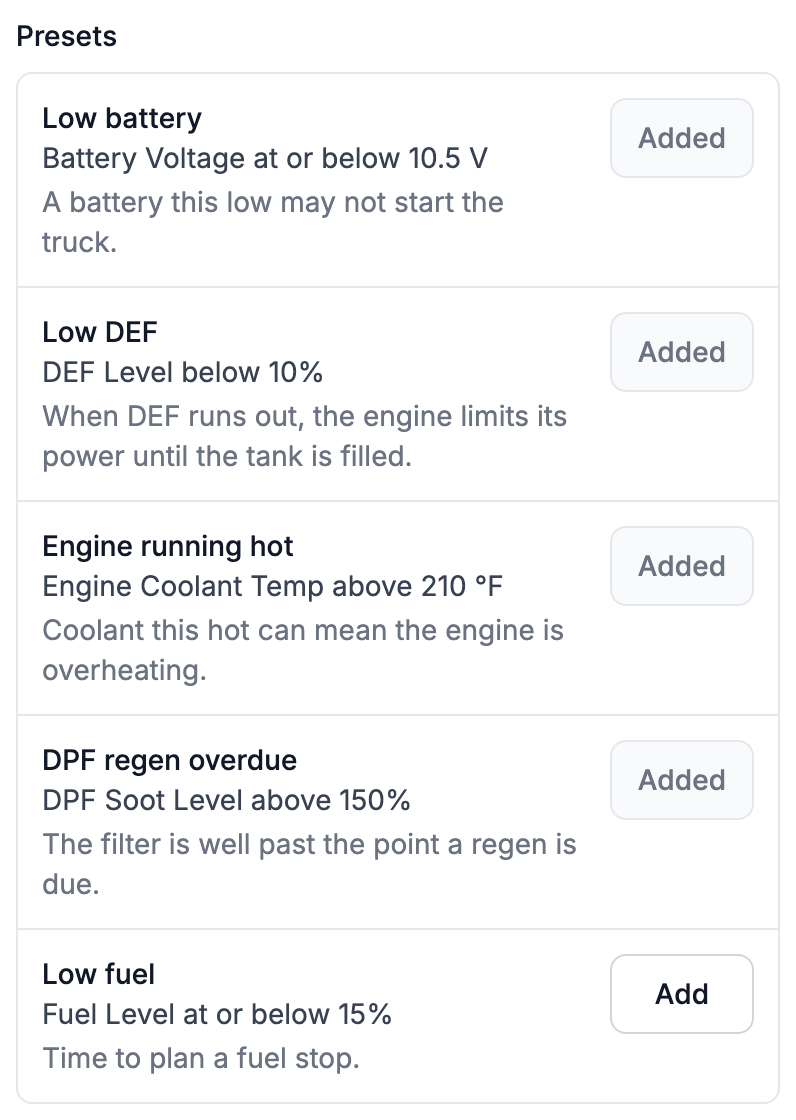
Live data and dash lamp alerts. Start from presets like low battery, low DEF, high coolant temperature and high DPF soot, or get an alert when a dash lamp comes on even if nobody calls it in.
Geofence alerts when a vehicle arrives at or leaves a yard, shop or customer site.
One list. The bell shows the latest alerts for all your vehicles, and each one opens what happened.
See the whole story on each truck
Every vehicle has an Activity tab with its history: when a warning lamp came on and how long it stayed lit, which alerts went out, each engine setting change, and every regen. You can replay a regen to see the exhaust temperatures, soot level and live data as they were at the time, whether it completed, failed or was cancelled. Notes and color-coded labels keep driver reports, repairs and yards next to the fault codes.
Hand the shop one report
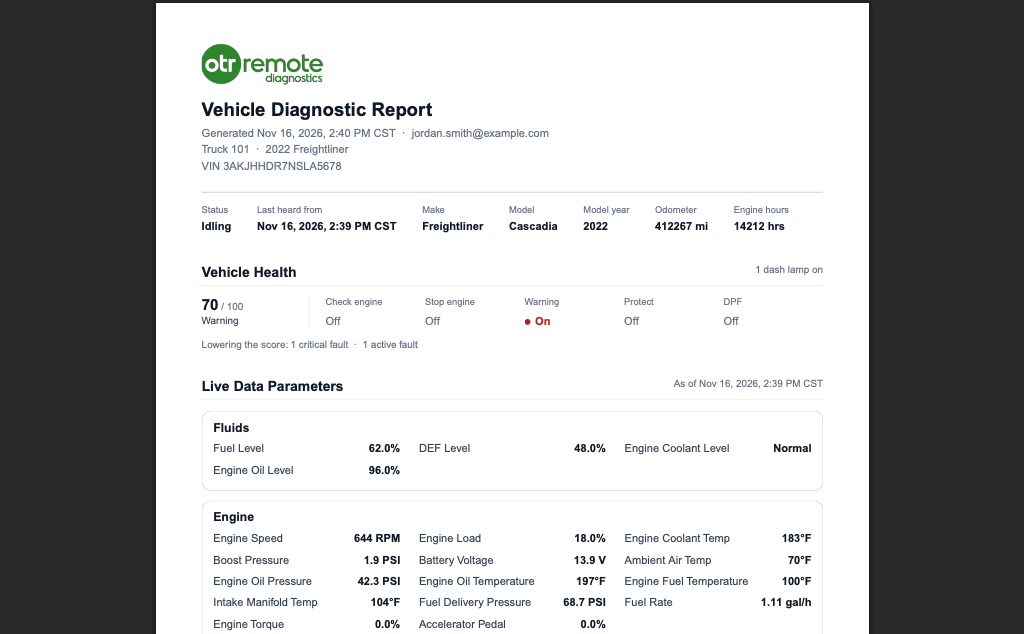
Create a PDF report for any vehicle with its health, dash lamps, live data, parameters and every fault code, grouped by the module that reported it. Download it or share it. If the truck is parked, the report shows it as of the last time the engine ran. Every report is saved under Reports in the menu, so you keep a dated record for each vehicle.
Change engine settings from your desk
On supported Detroit Diesel trucks with DD13, DD15 and DD16 engines, the Parameters tab sets max road speed, cruise speed and idle shutdown without bringing the truck in. The truck has to be online with the key on and the engine off, and each change is recorded on the Activity tab.
Why fleets use it
Fewer surprise calls. A low battery or low DEF alert reaches you while there's time to act. As the presets put it, a battery that low may not start the truck, and when DEF runs out the engine limits its power until the tank is filled.
Less back-and-forth with drivers. You don't have to ask what lamp is on or what the code says. It's on your screen.
Better visits to the shop. One PDF with the codes and readings replaces a description over the phone.
A record you can trust. Alerts, lamps, regens and setting changes are all on the Activity tab, with times.
On your phone too. OTR Remote is in the OTR Diagnostics app for iPhone and Android. Sign in with the same account you use on the web. See OTR Remote is now on your phone.
Get started
Step-by-step help: Set up email and SMS alerts, Use the Activity tab and replay a regen and Change speed limit and idle shutdown.
Already a customer? Sign in at cloud.otrperformance.com. On the go? OTR Remote is now on your phone in the OTR Diagnostics app. Questions? Contact us or call (586) 799-4375, Monday to Friday, 8 am to 5 pm Eastern.
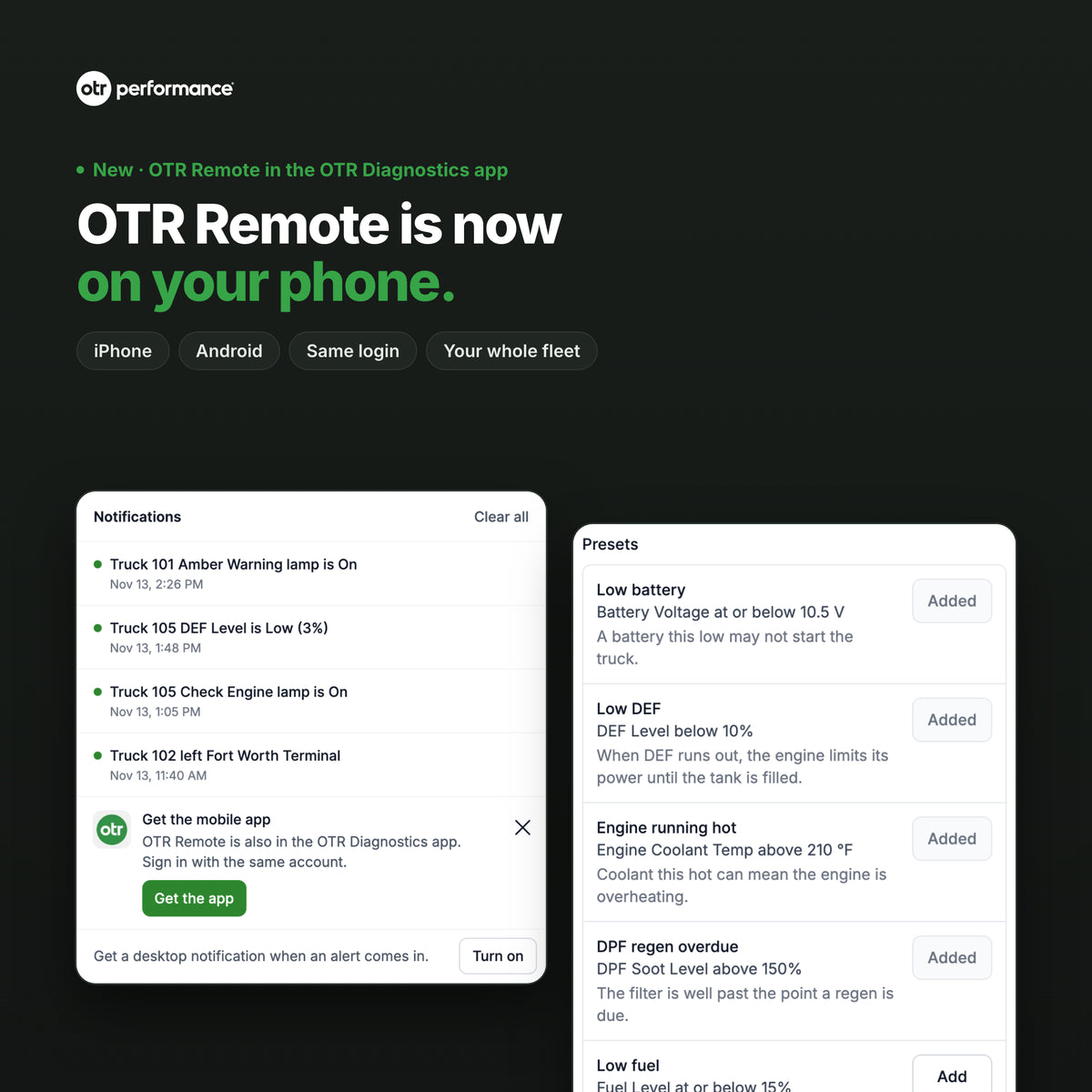
OTR Remote is now on your phone: your whole fleet in the OTR Diagnostics app