
OTR Remote now comes with you. Download the OTR Diagnostics app, sign in with your OTR Remote account, and your whole fleet is on your phone: every truck, its fault codes and alerts, the same OTR Remote you use at your desk. It works on iPhone and Android.
What's new
The OTR Diagnostics app now has two products inside it. OTR Diagnostics is Bluetooth diagnostics for one truck, with the OTR Link 2 plugged in. OTR Remote is cellular fleet monitoring across all your trucks. When you choose OTR Remote, the app signs you in to OTR Remote for you, so there's no second login and nothing to plug in.
How to get it
Download OTR Diagnostics from the App Store or Google Play. It's free to download. If you already have it, update to the latest version.
Sign in with the same email and password you use for OTR Remote on the web.
If OTR Remote is the only product on your account, the app opens straight into OTR Remote.
If you have both products, the app asks Which product do you want to use? Pick OTR Remote ("Cellular fleet monitoring across all trucks") and tap Continue to OTR Remote. The app shows Signing In... while it opens your fleet.
What you can see from your phone
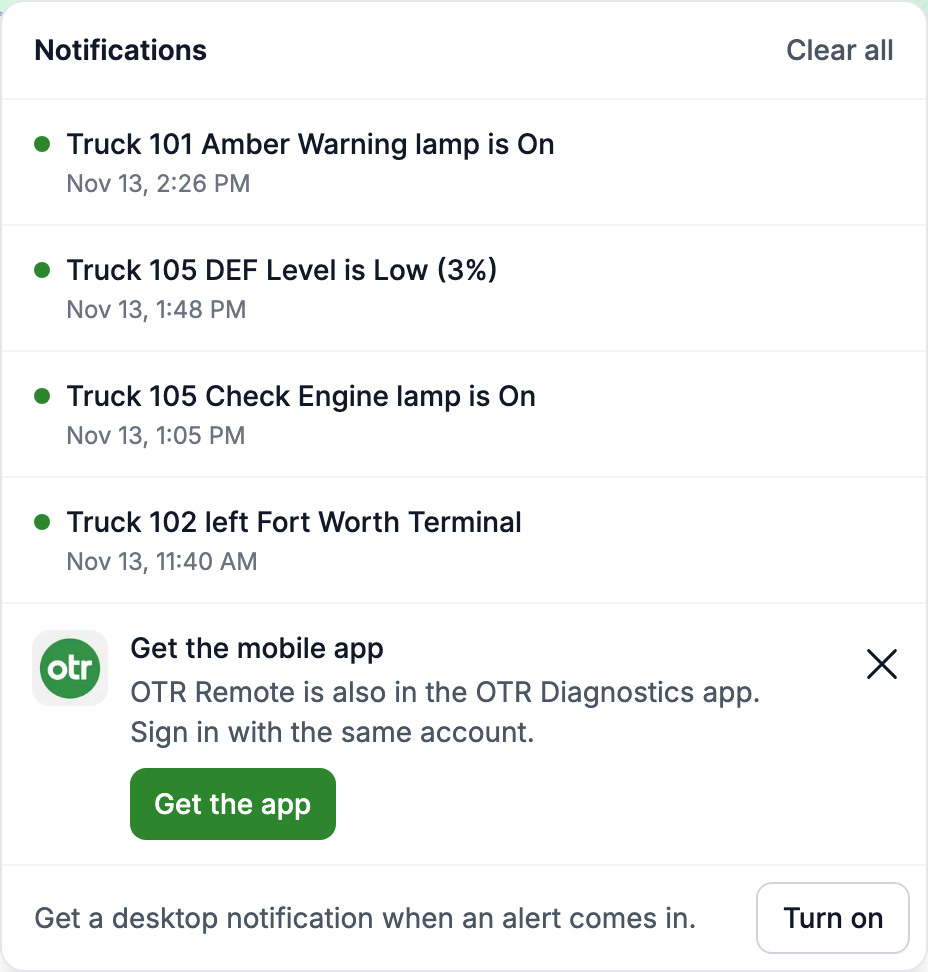
It's OTR Remote, so everything your account has on the web is there:
Your fleet at a glance: every vehicle, its health and its fault codes, with your notes and labels.
Alerts: the bell lists the latest fault code, geofence, live data and dash lamp alerts, and each one opens what happened.
The Activity tab: warning lamp history, alerts sent, setting changes and regens, with regen replay.
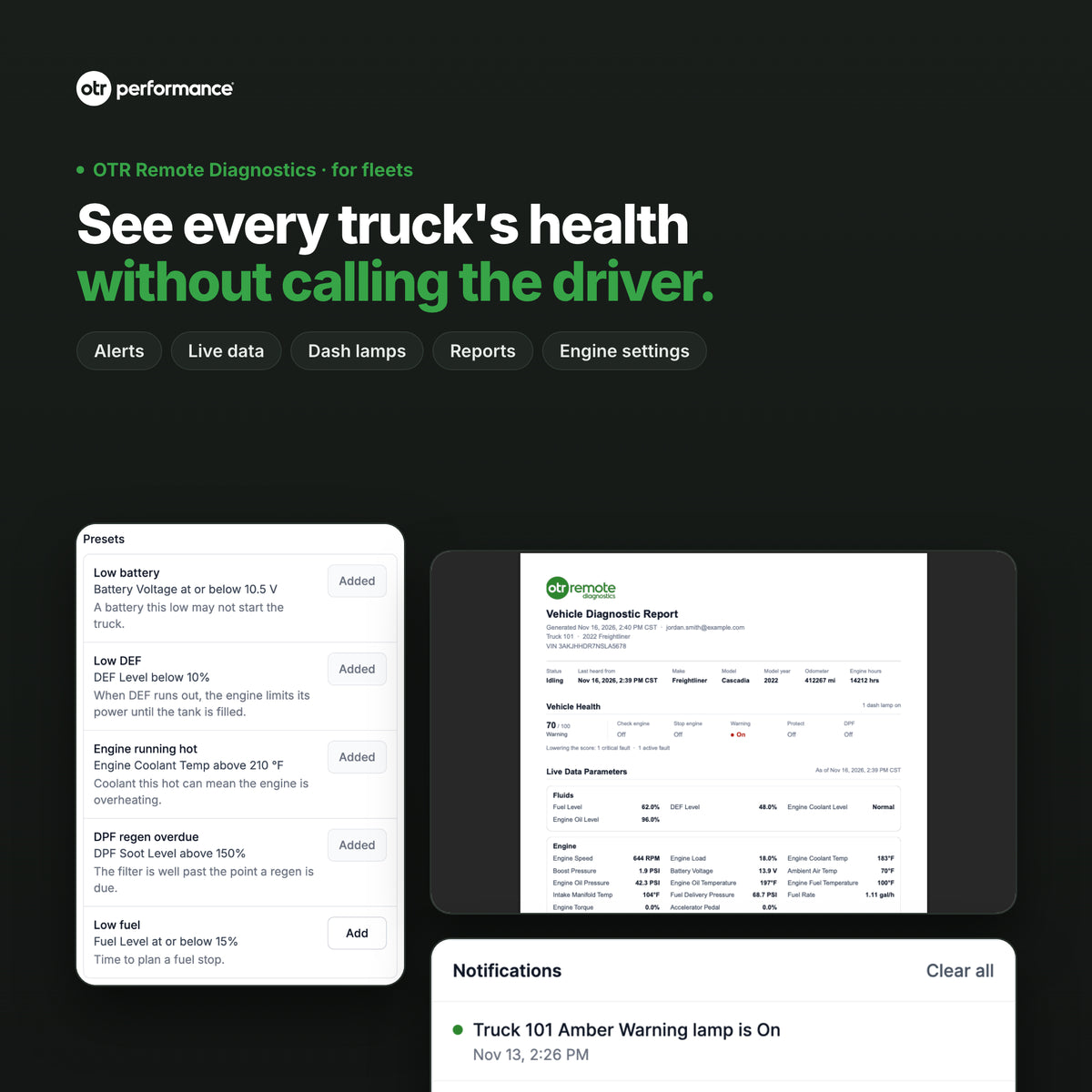
Vehicle reports: create a PDF for any vehicle and share it with your shop.
Engine settings: on supported Detroit Diesel trucks, set max road speed, cruise speed and idle shutdown from the Parameters tab.
New to these features? See OTR Remote: see every truck's health without calling the driver.
Switch between products
If you have both OTR Diagnostics and OTR Remote, you can switch any time. Open More: it shows the product you're CURRENTLY USING and a button to switch to the other one. On iPhone, Settings also lets you pick a default product, or have the app ask again the next time it opens.
One app for the desk and the truck. See the alert in OTR Remote, then switch to OTR Diagnostics and plug in the OTR Link 2 to run a regen, reset a code or change a setting at the truck.
FAQ
Is it the same login as OTR Remote on the web?
Yes. Sign in to the app with your OTR Remote email and password. Your vehicles, alerts and reports are the same ones you see at cloud.otrperformance.com.
Do I need an OTR Diagnostics plan?
No. The app is free to download, and OTR Remote in the app uses your OTR Remote account. If OTR Remote is the only product on your account, the app opens straight into it.
Do I need to plug anything into the truck?
Not for OTR Remote. Your trucks already send their data through the OTR Remote device in each one, so your phone just shows it. The OTR Link 2 adapter is only for OTR Diagnostics at the truck.
Get started
Not on OTR Remote yet? See OTR Remote Diagnostics for your fleet. Step-by-step help: Use OTR Remote on your phone. Questions? Email support@otrperformance.com or call (586) 799-4375, Monday to Friday, 8 am to 5 pm Eastern.
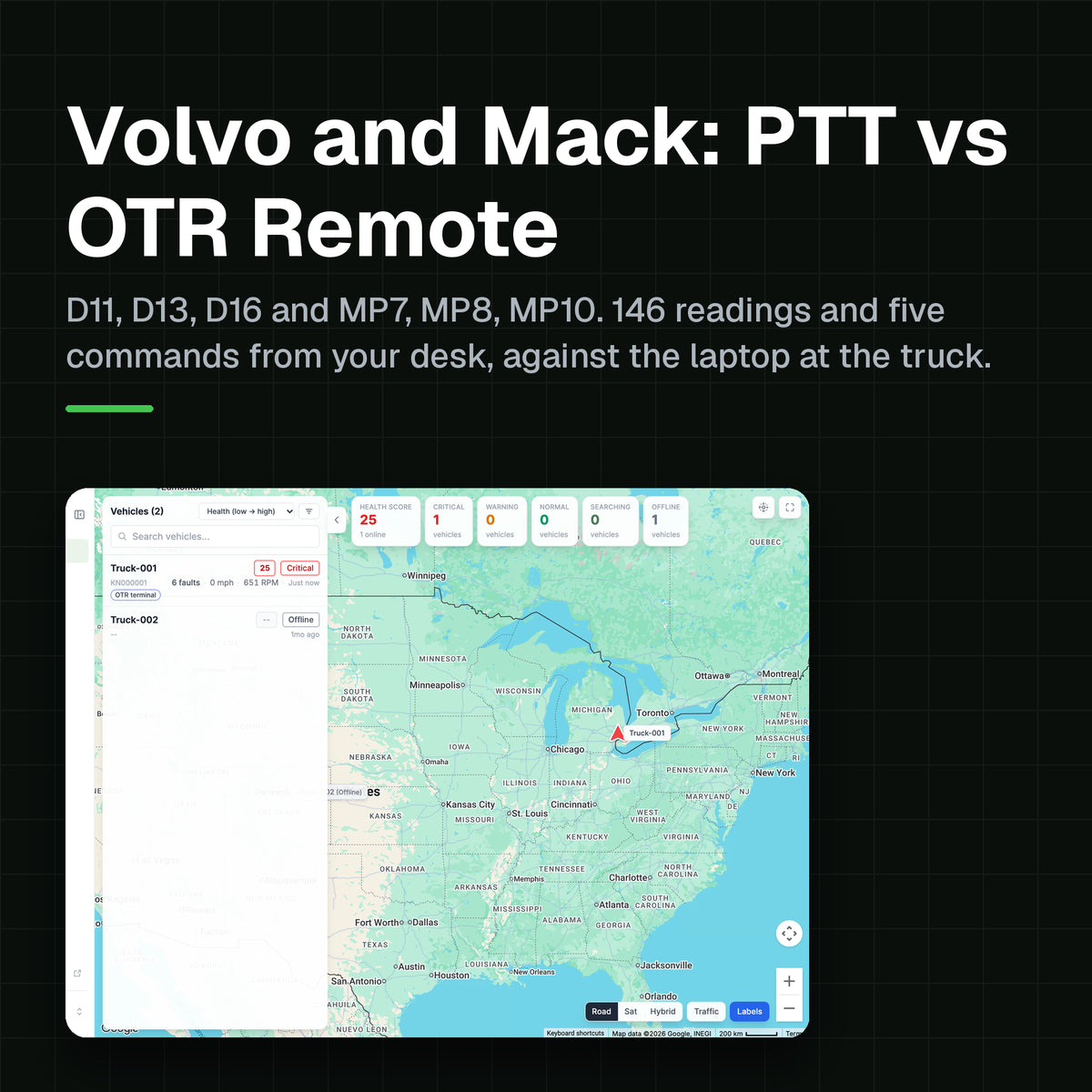
Volvo D13 and Mack MP8: what Premium Tech Tool does, what OTR Remote Diagnostics does from your desk, and what each one costs
OTR Remote: see every truck's health without calling the driver